markInk: a menu-bar app for macOS
Your reMarkable notes and highlights, mirrored as Markdown on your Mac.
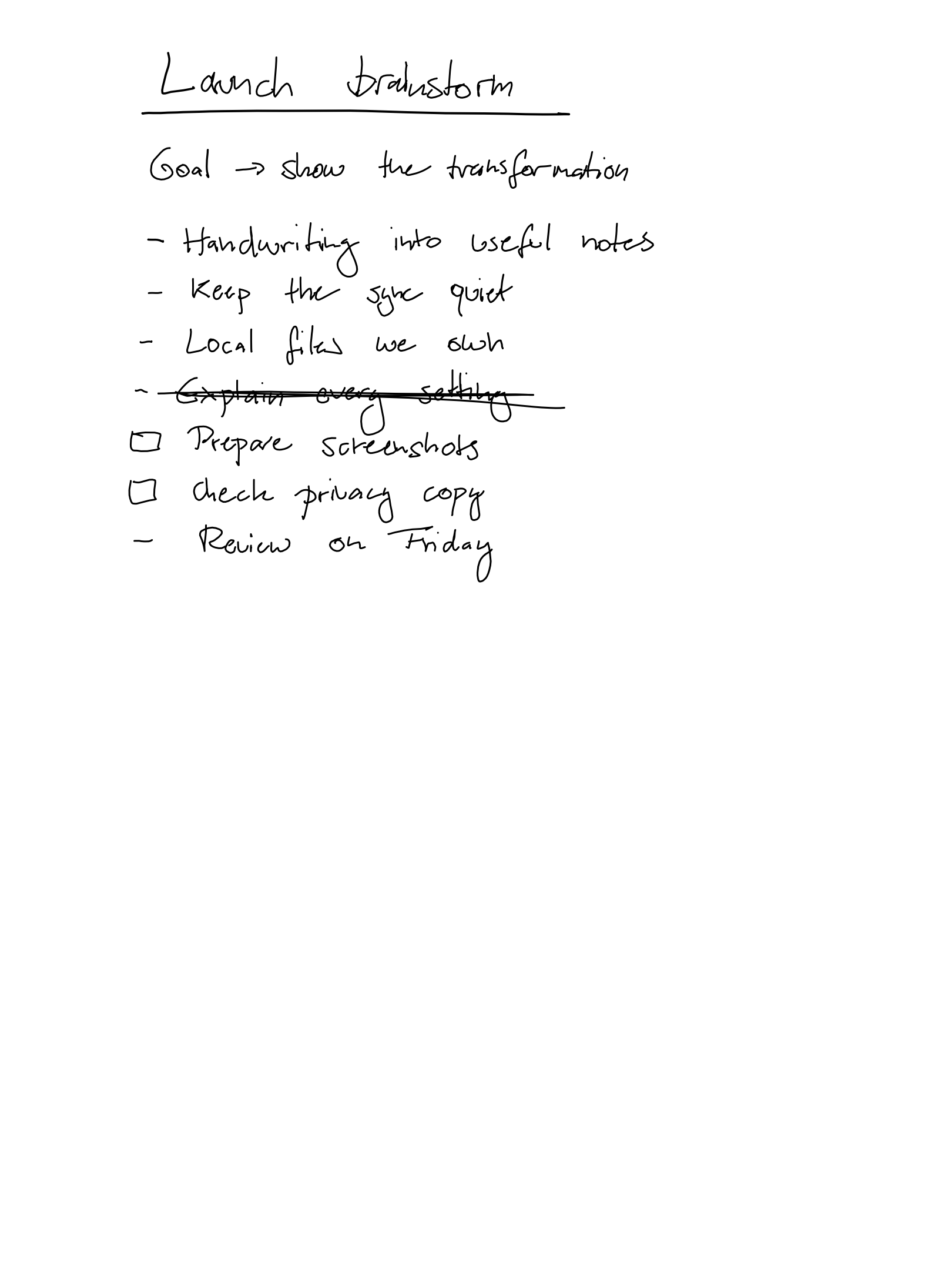
markInk keeps a one-way mirror of your tablet in a folder you choose: an Obsidian vault, a Git repo, anywhere on disk. Handwriting is transcribed on your Mac. Typed Type Folio text comes across word for word. Your tablet is only ever read, never written to.
7 days free · One-time purchase · Family Sharing included
- Platform
- macOS 26 or later
- Chip
- Apple Silicon
- Tablet
- Any reMarkable
ocr-engine: managed-local · last-synced: 2026-08-09
# Highlights
Highlight a PDF.
Get the quote back.
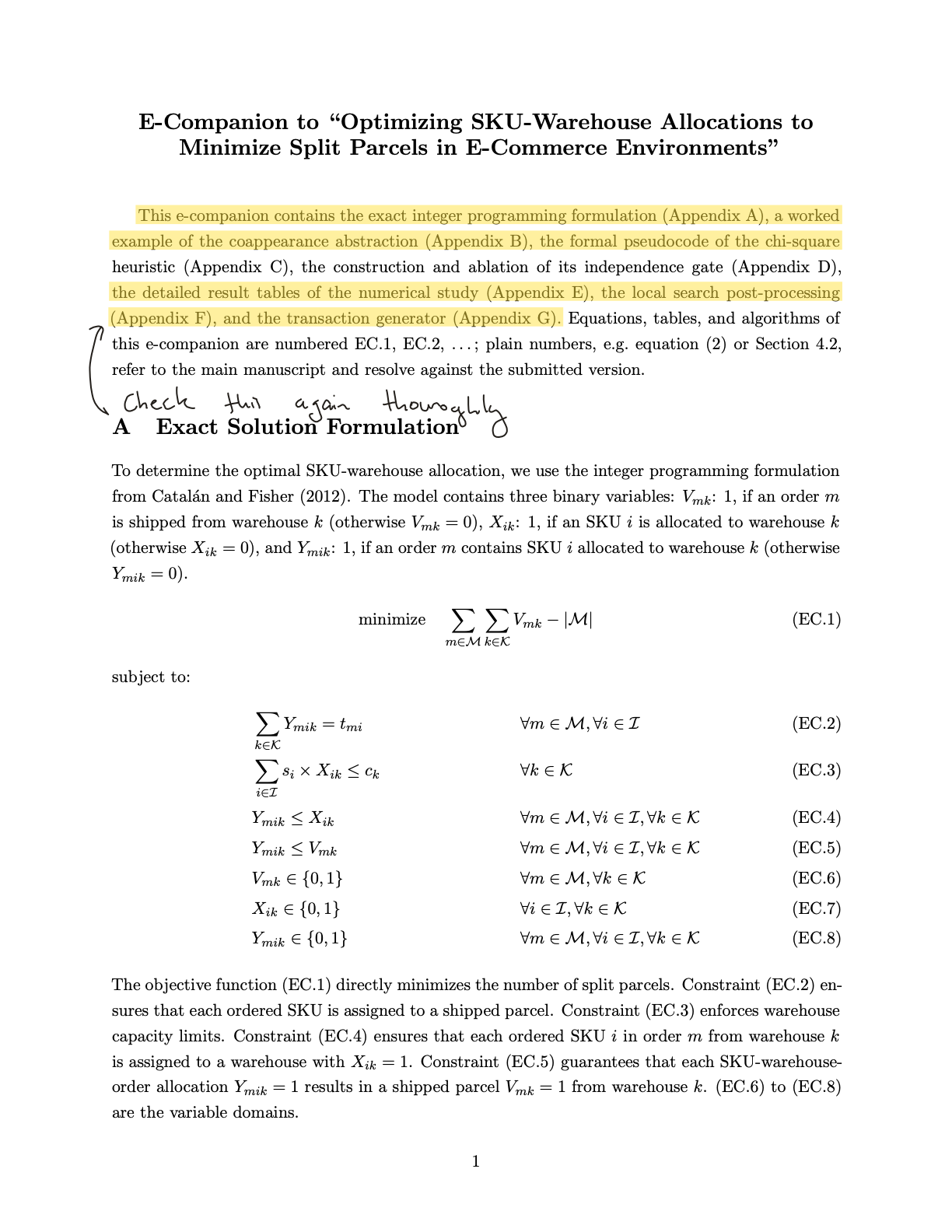
Mark a passage on a PDF or EPUB and it lands as a Markdown quote, with the margin note you wrote beside it, in reading order. No transcription is needed; the text is already there on the page. It works on scans too: freehand-highlight a printed page and the line under your marker arrives as text.
# Features
- Nothing is sent to us
- Your notes are read from the reMarkable cloud and written straight to your disk. There is no account to make with us and no analytics of any kind.
- Highlights become quotes
- Mark a passage on a PDF or EPUB and it lands as a quote, with the margin note you wrote beside it, in reading order. It works on scans too.
- Handwriting becomes text
- Transcription runs on your Mac. Apple's built-in recognition works out of the box; an optional local model raises accuracy and keeps everything offline. Accuracy varies with legibility, and the result is plain text you can fix in place.
- Files your notes app reads
- Plain Markdown with front matter, in the folder structure of your tablet. Point markInk at an Obsidian vault and your notes are simply there, ready to link and search.
- Your tablet is never touched
- markInk is a read-only client. It has no code path that can rename, move, or delete anything on your reMarkable. The mirror runs one way, tablet to Mac.
- Typed text stays exact
- Pages written with the Type Folio keyboard are extracted character for character, headings and all. There is nothing to transcribe and nothing to double-check.
# Privacy
Your notes never
reach us.
markInk talks to the reMarkable cloud to read your documents, to Hugging Face only if you choose to download the optional transcription model, and to the App Store for pricing and the one-time purchase. That is the whole list. Your device token is kept in the macOS Keychain, transcription runs on your Mac, and nothing is sent to BeyondSimulations. There is no server of ours to send it to.
- Account with us
- None
- Analytics
- None
- Transcription
- On device
- Tablet access
- Read only
Keep your handwriting
where you keep everything else.
Download markInk from the App Store 7 days free · One-time purchase · Family Sharing included
Requires macOS 26 or later on Apple Silicon · a reMarkable account